
301 vs 302 redirects in WordPress: which one to use
By Anis Harbaoui, SEO specialist
A 301 redirect tells browsers and search engines that a page has moved permanently, and a 302 says the move is temporary. The difference decides which URL search engines keep in their index. This guide explains the status codes you will meet in WordPress, when to use each one and how to avoid chains and loops.
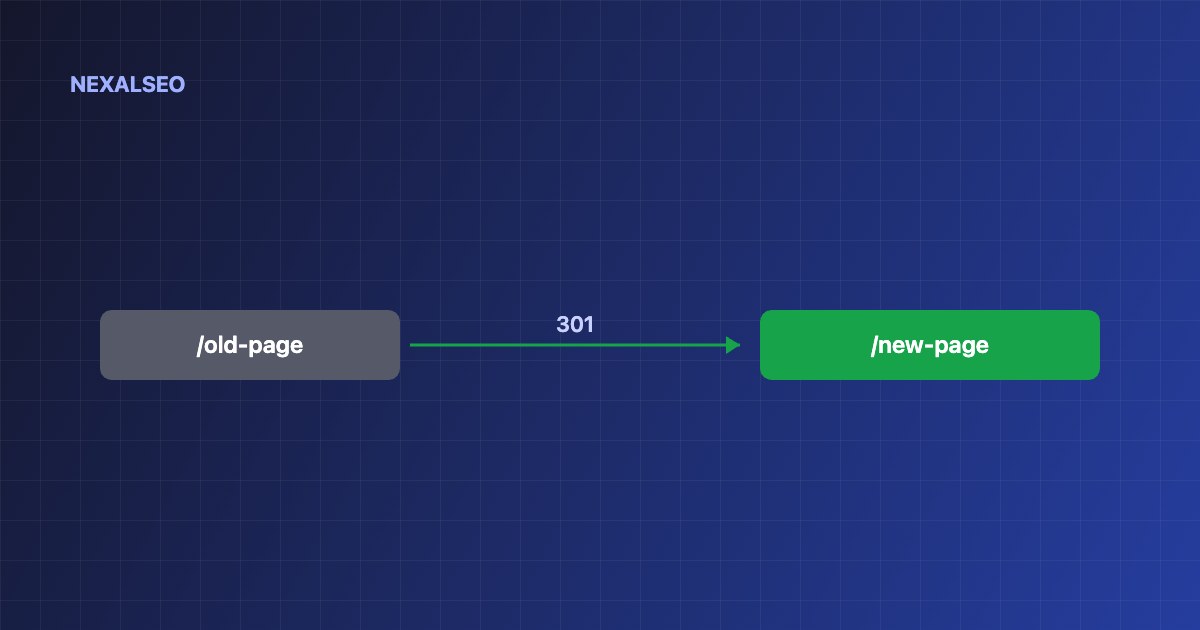
- Use a 301 when the move is permanent: a new slug, merged pages or a migration.
- Use a 302 for short-term moves where the original URL comes back.
- 307 and 308 are the stricter equivalents that keep the request method.
- Redirect straight to the final URL. Avoid chains.
What is the difference between a 301 and a 302 redirect?
| Code | Meaning | Use it when |
|---|---|---|
| 301 | Moved permanently | New slug, merged content, domain change |
| 302 | Found (temporary) | Seasonal page, test or short maintenance |
| 307 | Temporary redirect | Like 302, but the request method is kept |
| 308 | Permanent redirect | Like 301, but the request method is kept |
| 410 | Gone | Content removed with no replacement |
How does a 301 vs 302 redirect work?
Google says a permanent redirect is a strong signal that the target should be the canonical URL, while a temporary redirect is a weaker one. See Google’s documentation on redirects for the details. In practice, use the code that matches what you mean, and do not rely on search engines to guess.
When should you use a 301 redirect in WordPress?
- You changed a post or page slug.
- You merged two articles into one.
- You moved from http to https, or from www to non-www.
- You moved to a new domain.
- You deleted a page that has a close replacement.
How do you set up redirects in WordPress?
- Use a redirect manager for individual URLs. NexalSEO’s redirect manager and 404 monitor is included in the free version.
- Use server rules in .htaccess or nginx for site-wide patterns such as http to https.
- Map each old URL straight to its final destination.
- Test with your browser’s developer tools or a header checker, and keep the redirect for at least a year.
- Update internal links so they point at the new URL.
What redirect mistakes should you avoid?
- Chains. A to B to C wastes time. Point A at C.
- Loops. A redirects to B and B back to A.
- Everything to the home page. Search engines may treat it as a soft 404. Redirect to a close match or let the URL return 404 or 410.
- A 302 for a permanent move. The old URL can stay in the index for longer.
- Old internal links. Leaving links pointing at redirected URLs adds a hop for every visit.
Frequently asked questions
Do 301 redirects lose PageRank?
Google has said that 301 and 302 redirects no longer lose PageRank on their own. A poor target or a long chain can still hurt.
Can I use a 302 instead of a 301?
Only if the move is genuinely temporary. For a permanent move, a 302 can leave the old URL indexed for longer.
How long should I keep a redirect?
Google suggests at least a year. Keep it longer if the old URL still earns links or visits.
What is a redirect chain?
It happens when URL A redirects to B and B redirects to C. Point A straight at C.
Related guides
The redirect manager
Create redirects and watch your 404s.
Canonical tags
When a hint is enough.
Switching SEO plugins
Keep rankings during a migration.
The NexalSEO 404 monitor logs broken URLs, and you can create a redirect straight from the log.
See the redirect manager