
WordPress redirect plugin: redirect manager and 404 monitor
By Anis Harbaoui, SEO specialist · NexalSEO on GitHub
NexalSEO includes a 301/302 redirect manager and a 404 monitor in its free version. The monitor logs every URL where visitors or search engines hit a “not found” error, and you can create a redirect straight from the log, so broken links get fixed instead of piling up.
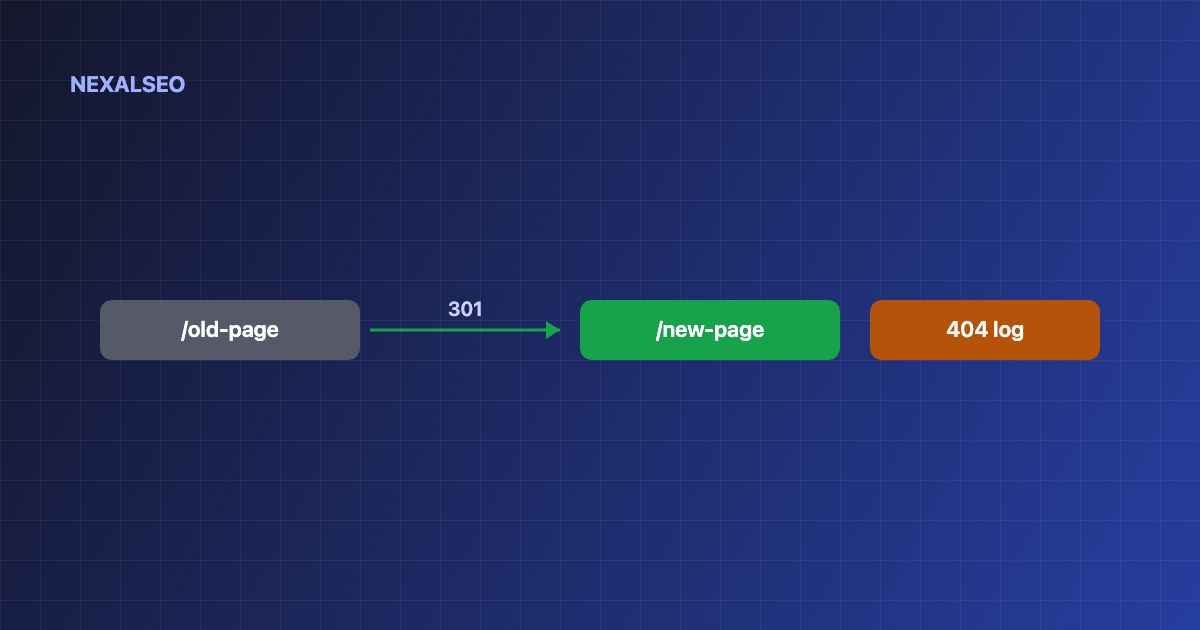
- 301 and 302 redirects, up to 200 on the free plan.
- A 404 log of the URLs visitors and crawlers actually request.
- Redirect directly from a 404 entry.
301 vs 302: which redirect to use
| Code | Meaning | Use when |
|---|---|---|
| 301 | Moved permanently | A URL changed for good: new slug, merged content, migration |
| 302 | Found (temporary) | A short-term move, such as a seasonal page or test |
| 410 | Gone | Content removed with no replacement (handle at server level) |
How the 404 monitor works
Enable the 404 Monitor module
NexalSEO → Dashboard → Modules.
Let it collect data
Each 404 hit is logged with its URL.
Prioritise
Fix URLs requested often or linked from other sites first.
Redirect from the log
Send each broken URL to the most relevant live page, not to the homepage.
Redirect best practices
- Redirect to the closest equivalent page; mass redirects to the homepage are treated like soft 404s.
- Avoid chains: point old URLs directly to the final destination.
- Update internal links to the new URL instead of relying on the redirect.
- Keep redirects in place for at least a year after a migration.
What does a WordPress redirect plugin do?
A redirect plugin tells browsers and search engines that a URL has moved. When you change a slug, merge two articles or move to a new domain, a redirect sends people and crawlers to the new address instead of a dead end.
Google treats a permanent redirect as a strong signal that the new URL should be the one it indexes (see Google’s documentation on redirects). The 404 monitor covers the other half of the job: it shows which broken URLs people actually request, so you fix the ones that matter first.
Why do broken links hurt a WordPress site?
Visitors who land on a 404 usually leave, and crawlers waste time on URLs that go nowhere. Redirecting the broken URLs that still receive visits keeps both groups moving.
When should you not redirect?
Do not redirect every missing URL to the home page. If the content is gone for good and nothing replaces it, a 404 or 410 is the honest answer.
Frequently asked questions
Do redirects lose PageRank?
Google has said 3xx redirects do not lose PageRank, but chains slow crawling; keep them direct.
How many redirects can I create for free?
Up to 200 on the free plan.
Should every 404 be redirected?
No. Redirect only URLs that had value or traffic; genuine junk URLs can stay 404.
How long should I keep a 301 redirect?
Google suggests keeping a redirect for at least a year. Keep it longer if the old URL still earns links or traffic.
What is a redirect chain and why avoid it?
A chain happens when URL A redirects to B and B redirects to C. Every extra hop slows the page down, so point old URLs straight at the final destination.
Related guides
Switching SEO plugins
Carry redirects over safely.
XML sitemap
Keep the crawl clean.
NexalSEO vs Yoast SEO
Redirects free vs Premium.
NexalSEO includes a redirect manager on the free plan, capped at 200 rules, with exact and regex matching.
See all features