
Canonical tags in WordPress: what they do and how to set them
By Anis Harbaoui, SEO specialist
A canonical tag is a link element in the page head that tells search engines which URL is the preferred version of a page when the same content can be reached at more than one address. WordPress prints canonical tags by default for most pages, and an SEO plugin lets you control them. This guide explains how canonicals work, where WordPress sites create duplicates and how to fix them.
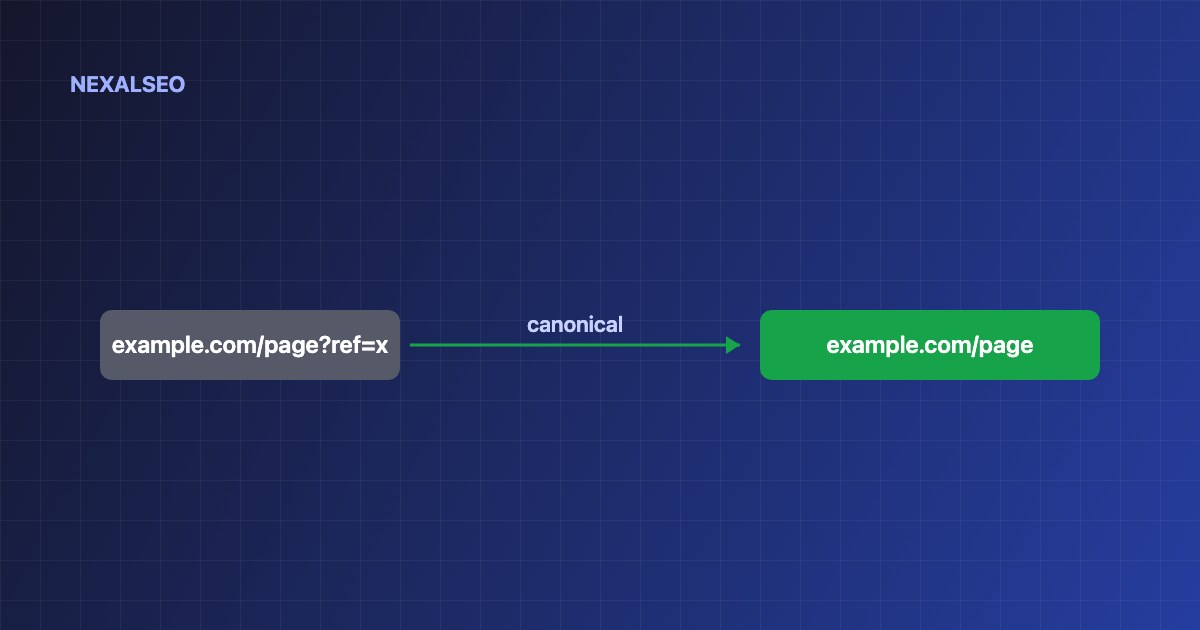
- A canonical tag is a strong hint, not a command. Search engines may choose another URL.
- Use a self-referencing canonical on every indexable page.
- Duplicates come from parameters, http and https, www and non-www, trailing slashes and archives.
- Do not point paginated pages at page one.
What is a canonical tag?
The canonical tag sits in the head of a page and names the URL you want indexed.
<link rel="canonical" href="https://example.com/page/" />If a page is reachable at several addresses, search engines group them and pick one to show. The tag tells them which one you prefer.
How does a canonical tag work in WordPress?
WordPress core prints a canonical link for single posts and pages. Your SEO plugin extends that to archives and lets you override the URL for a specific page, for example when you republish an article that first appeared elsewhere. Between them, the site should print exactly one canonical tag per page.
Why do canonical tags matter for duplicate content?
| Source of duplicates | Example | Fix |
|---|---|---|
| Tracking parameters | /page/?utm_source=mail | Canonical to the clean URL |
| Protocol | http and https | 301 redirect to https |
| Host | www and non-www | 301 redirect to one host |
| Trailing slash | /page and /page/ | Pick one and redirect |
| Archives | Tag and category lists | Noindex thin archives or leave them out of the sitemap |
How do you check and set canonical tags in WordPress?
- Open the page source and search for
rel="canonical". There should be one tag. - Check that the URL is absolute, uses https and returns a normal page, not a redirect or an error.
- Override the canonical in your SEO plugin only when you have a reason, such as syndicated content.
- Use the URL Inspection tool in Search Console to see which URL Google picked.
Google explains the full picture in its guide to consolidating duplicate URLs.
What canonical mistakes should you avoid?
- Printing more than one canonical tag.
- Pointing the canonical at a page that redirects, returns 404 or is set to noindex.
- Pointing page two and later of a paginated list at page one.
- Using a canonical when pages should be merged with a redirect. See when to use each redirect type.
- Using relative URLs.
Frequently asked questions
Is a canonical tag the same as a 301 redirect?
No. A redirect sends visitors to another URL. A canonical keeps both URLs reachable and only suggests which one to index.
Does every page need a canonical tag?
Every indexable page should have a self-referencing canonical. It protects against parameter and host variations.
Will Google always follow my canonical tag?
No. It is a strong hint. Google may pick a different canonical when redirects, links and sitemaps send other signals.
Should paginated pages point to page one?
No. Each paginated page should point to itself.
Related guides
Redirects done right
When a redirect beats a canonical.
Sitemaps without duplicates
Keep noindex and thin pages out of the sitemap.
How Google reads a site
Crawling, indexing and canonical selection.
NexalSEO manages meta tags and indexing settings for each page in one panel.
See all features