
XML sitemaps for WordPress that clean themselves
By Anis Harbaoui, SEO specialist · NexalSEO on GitHub
An XML sitemap lists the URLs you want search engines to crawl and index. NexalSEO builds a sitemap index with one sitemap per post type and taxonomy, regenerates it automatically, leaves out pages marked noindex, can filter thin content, and shows a health panel explaining what is included and why.
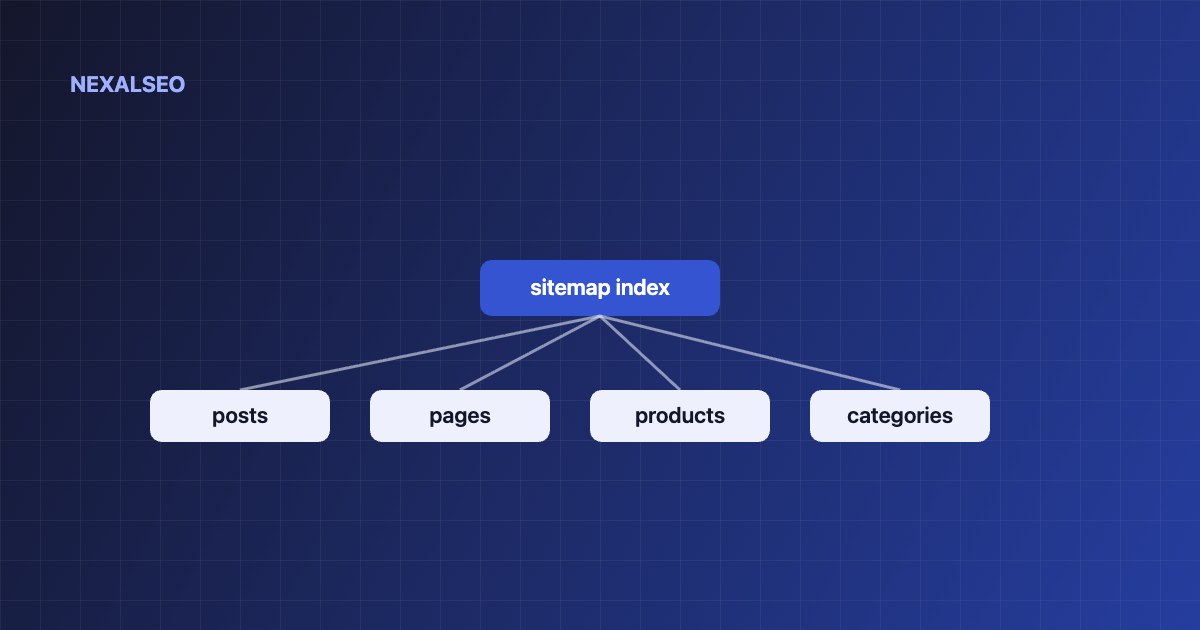
- Sitemap index plus per-post-type and per-taxonomy sitemaps.
- Noindex pages excluded automatically; optional thin-content filter.
- Health panel shows exactly what is in the sitemap.
What the sitemap module does
| Capability | Why it matters |
|---|---|
| Sitemap index | One URL to submit in Search Console and Bing Webmaster Tools |
| Per-type sitemaps | Posts, pages, products and taxonomies are reported separately, so indexing problems are easy to locate |
| Automatic regeneration | New and updated content appears without manual work |
| Noindex exclusion | A sitemap that lists noindex URLs sends contradictory signals |
| Thin-content filter (optional) | Keeps low-value URLs out of the crawl queue |
| Health panel | Shows counts and reasons for inclusion or exclusion |
Sitemap best practices
- Include only canonical, indexable URLs that return status 200.
- Submit the index in Search Console and Bing Webmaster Tools.
- Reference it in robots.txt with a
Sitemap:line. - Compare “Submitted” with “Indexed” per sitemap to find problem sections.
- Remember a sitemap helps discovery; internal links still carry context and authority.
How to enable it
Turn on the XML Sitemap module
NexalSEO → Dashboard → Modules.
Review the health panel
Check which post types and taxonomies are included.
Submit the index URL
In Search Console and Bing Webmaster Tools.
What is an XML sitemap in WordPress?
An XML sitemap is a file that lists the URLs on your site you want search engines to find. WordPress has produced a basic one on its own since version 5.5, but it gives you little control: you cannot easily drop thin pages from it, and you cannot see why a URL is missing.
Search engines treat the file as a hint for discovery, not an order, so a short, accurate list beats a long one. Google says a single sitemap can hold up to 50,000 URLs or 50 MB uncompressed (see Google’s guide to building a sitemap). Bigger sites split the list into several files and point to them from one index, which is the structure NexalSEO generates.
Frequently asked questions
Do I still need a sitemap if my site is small?
It is not strictly required for small, well-linked sites, but it costs nothing and speeds up discovery of new pages.
Should noindex pages be in the sitemap?
No. NexalSEO removes them automatically.
Does WordPress have a built-in sitemap?
Yes, a basic one since 5.5. NexalSEO replaces it with filtered, monitored sitemaps.
Where do I submit my sitemap?
Submit the index URL in Google Search Console and Bing Webmaster Tools. Adding it to robots.txt also helps other crawlers find it.
How many URLs can one XML sitemap hold?
Up to 50,000 URLs or 50 MB uncompressed. NexalSEO uses a sitemap index with separate files per post type and taxonomy, so most sites stay well under the limit.
Related guides
How Google understands a website
Discovery, crawling and indexing.
Redirects and 404 monitor
Keep URLs healthy.
Plan your internal links
Context beyond the sitemap.
NexalSEO generates XML sitemaps for your posts, pages and custom types, and lets you exclude any URL from the settings.
See all features