
Content hubs and topic clusters in WordPress
By Anis Harbaoui, SEO specialist
A content hub is a group of pages on one topic, made up of a central pillar page and supporting cluster pages that link to each other in a deliberate pattern. Hubs make it clear to readers and search engines which page is the main answer and which pages go deeper. This guide shows how to plan a hub, link it and set it up in WordPress without extra plugins.
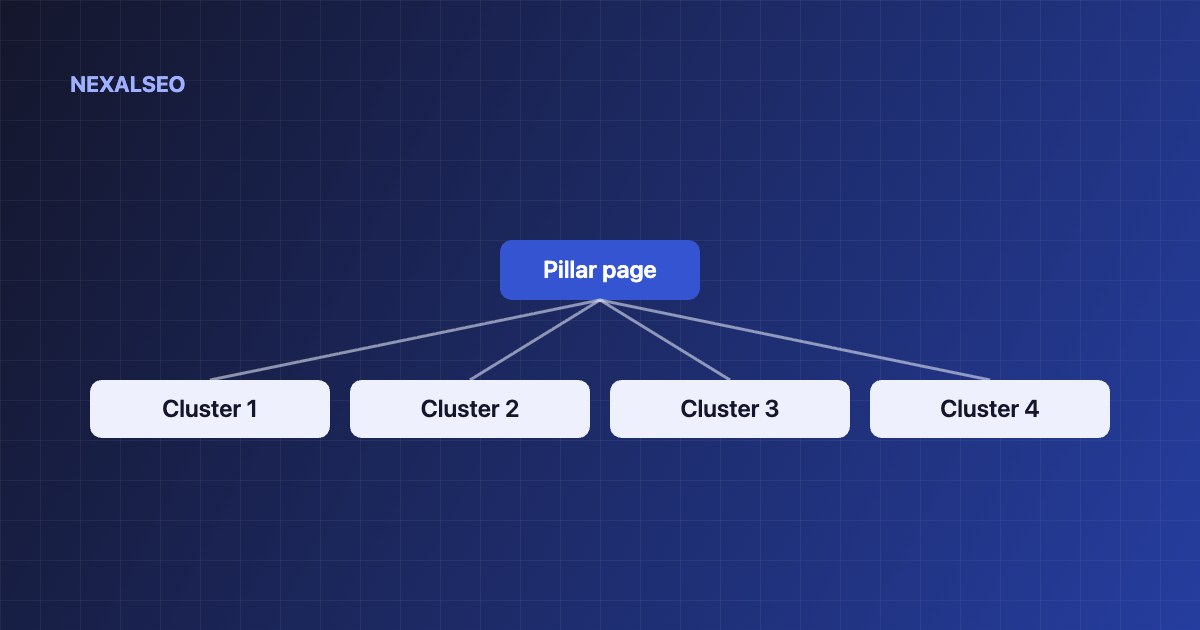
- One pillar page gives the overview. Each cluster page answers one specific question.
- Every cluster page links up to the pillar and across to one or two siblings.
- The pillar links down to every cluster page.
- WordPress parent pages give you a clean URL structure that mirrors the hub.
What is a content hub?
| Page | Role | Links |
|---|---|---|
| Pillar | Broad overview of the topic | Down to every cluster page |
| Cluster | One narrow question answered in depth | Up to the pillar, across to a sibling |
Our own guides hub works this way: the hub page links to clusters on schema, entities, internal linking and AI search.
How does a content hub work?
The pillar tells visitors and crawlers what the topic is and where each part is covered. The cluster pages carry the detail. Links in both directions make the group easy to crawl and show which page is the main one. Plan it from your a map of every page you need.
- Pick the topic from your map.
- Choose a broad title for the pillar page.
- List the cluster questions, one page per question.
- Check that no two pages answer the same question.
- Decide on a URL structure.
How should pillar and cluster pages link?
- The pillar links to every cluster page with a descriptive anchor.
- Each cluster page links back to the pillar near the top.
- Each cluster page links to one or two closely related siblings.
- Anchors differ from page to page. See the internal linking guide.
How do you set up a content hub in WordPress?
- Create the pillar page first, as a Page.
- Create each cluster page and set the pillar as its parent. The URL then reads /pillar/cluster/ and the breadcrumbs follow.
- Add a list of cluster links to the pillar page.
- Use NexalSEO’s internal link suggestions in the editor to add sibling links while you write.
- Check for orphans after publishing.
URLs do not have to mirror the hub, but a clear structure helps readers. See Google’s URL structure guidance.
What mistakes should you avoid?
- A pillar page that is only a list of links with no real content.
- Cluster pages that overlap and compete for the same query.
- Cluster pages with no link from the pillar.
- A hub so large it is hard to use. Split it into sub-hubs instead.
Frequently asked questions
How many cluster pages should a hub have?
As many as the topic has distinct questions. Five to fifteen is common. Split into sub-hubs if it grows beyond that.
Do I need a specific URL structure?
No. Clear parent and child URLs help readers and tidy up breadcrumbs, but the links matter more than the URL pattern.
Should I use a pillar page or a category page?
A pillar page is written content you control. A category archive is an automatic list. Use a pillar page for the main answer and categories for browsing.
Should cluster pages link to each other?
Yes, to one or two closely related siblings where it helps the reader. Linking everything to everything dilutes the signal.
Related guides
Planning the topic
List every page before you write.
Link strategy
How to link pillar and cluster pages.
Pages with no links
Spot clusters that nobody links to.
NexalSEO suggests related pages from your own site inside the editor, with a suggested anchor for each.
See internal link suggestions