
How to build a topical map for your WordPress site
By Anis Harbaoui, SEO specialist
A topical map is a plan of every page a website needs to cover a subject completely, with each page tied to one question, one search intent and one place in the site structure. It turns “write about SEO” into a numbered list of pages, a publishing order and a linking plan. This guide walks through the method in six steps, using a spreadsheet you can build today.
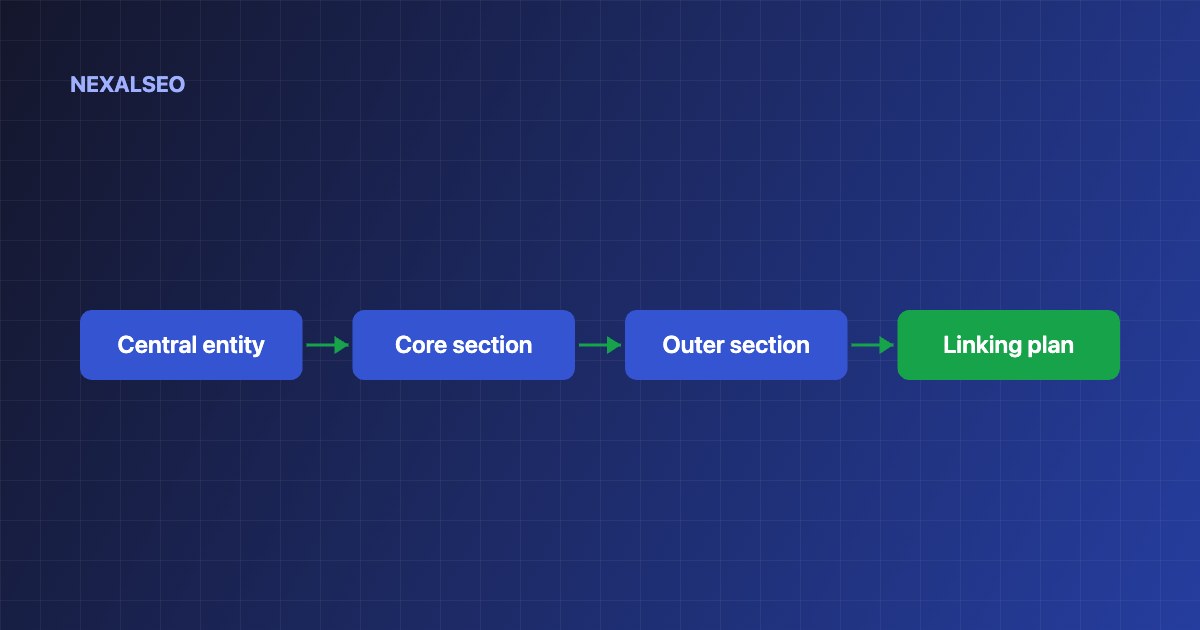
- Start from one central entity and one source context: what the site is about and how it earns.
- Split the map into a core section, the pages that earn money, and an outer section of supporting guides.
- Write each page as a query pattern, a search intent and a target URL.
- Plan the links before you publish, and publish the core pages early.
What is a topical map?
A topical map is the content plan behind why coverage builds authority. Each row is one node: one page that answers one question. Together the nodes cover the subject, and the links between them show how the pages relate.
The method here is a simplified, practical version of the semantic content framework popularised by Koray Tuğberk Gübür. You do not need special software. A spreadsheet is enough.
How does a topical map work?
- Define the central entity. This is the thing your site is about, for example a WordPress SEO plugin.
- Define the source context. This is who you are and how you earn. It decides which pages belong in the core section.
- Name the central search intent. What does the typical visitor want to achieve?
- Split core and outer sections. Core pages serve the business. Outer pages build knowledge and trust.
- List the nodes. For each one write a query pattern, an intent and a target URL.
- Order and link. Decide what to publish first and which pages link to which.
What does a topical map look like?
| Node | Query pattern | Intent | Section |
|---|---|---|---|
| WordPress SEO plugin comparison | best X | Choose | Core |
| XML sitemap WordPress | X in WordPress | Do | Core |
| What is schema markup | what is X | Learn | Outer |
| Schema not showing in Google | X not working | Fix | Outer |
How do you decide what goes in the core and outer sections?
Core pages serve your source context: product pages, service pages, pricing and comparisons. Outer pages are the supporting knowledge that earns trust and links, such as definitions, how-tos and troubleshooting. Every outer page should link to the core page it supports, and core pages should link to each other where visitors compare options.
How do you turn the map into a publishing plan?
- Publish the central definition page first, because every other page leans on it.
- Then publish the core pages, then the outer pages in order of search demand.
- Update your hub page every time a node goes live.
- Check for orphans after each batch. See how to find and fix orphaned pages.
Google’s SEO starter guide is a useful check that each page also meets the basics.
Frequently asked questions
Do I need a paid tool to make a topical map?
No. A spreadsheet with columns for node, query, intent, URL and status is enough.
How many nodes should a topical map have?
As many as the topic needs. Small sites often start with 20 to 40 nodes and expand from there.
How is a topical map different from a keyword list?
A keyword list is flat. A topical map gives each query one page, shows the intent and shows how the pages link together.
How often should I update the map?
Review it every quarter and after any big change to your product or services.
Related guides
What topical authority means
The idea behind the map.
Content hubs and clusters
Turn nodes into pillar and cluster pages.
Finding pages with no links
Check each batch you publish.
NexalSEO suggests related pages to link to while you write and flags orphan pages afterwards.
See internal link suggestions