
Breadcrumb schema for WordPress: how BreadcrumbList works
By Anis Harbaoui, SEO specialist
Breadcrumb schema is BreadcrumbList structured data that describes where a page sits in your site, for example Home, then Guides, then the current page. Google can use it to show a readable path in search results, and it gives crawlers a clear map of how your pages relate. This guide explains the markup, the rules and how to add it on WordPress.
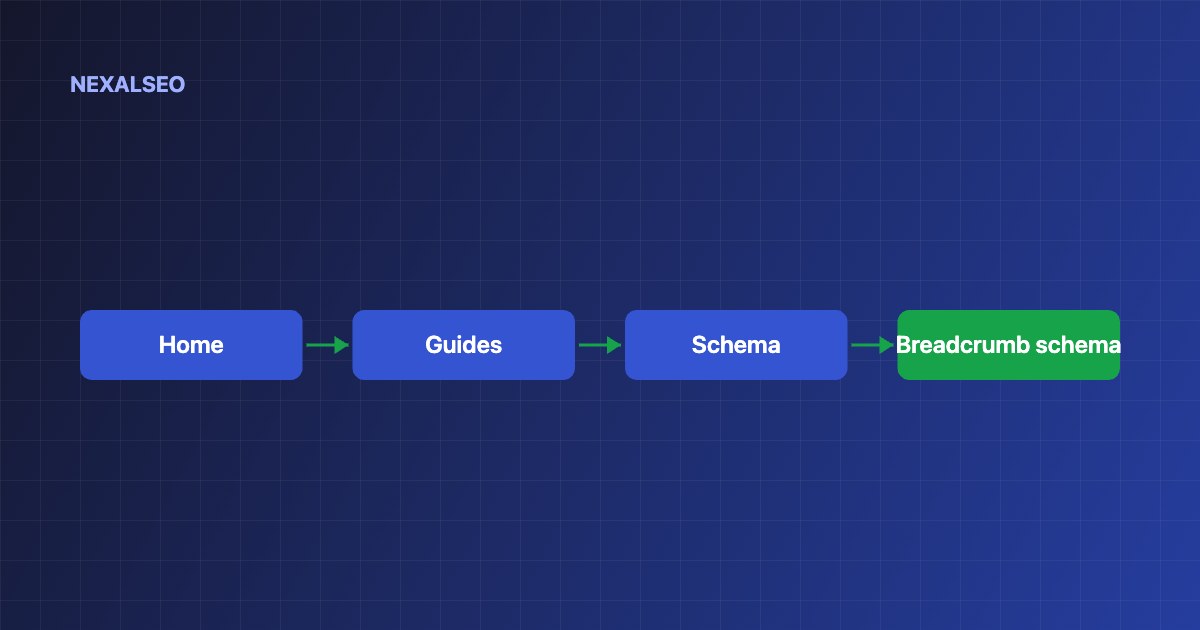
- A BreadcrumbList is an ordered list of items, each with a position, a name and a URL.
- The visible breadcrumb trail and the markup should match.
- The markup describes page hierarchy. It does not directly affect rankings.
- Make sure only one plugin or theme prints it.
What is breadcrumb schema?
The BreadcrumbList type holds a list of ListItem entries. Each one has a position, a name and, for every item except the current page, a URL.
{
  "@context": "https://schema.org",
  "@type": "BreadcrumbList",
  "itemListElement": [
    {"@type": "ListItem", "position": 1, "name": "Home", "item": "https://example.com/"},
    {"@type": "ListItem", "position": 2, "name": "Guides", "item": "https://example.com/guides/"},
    {"@type": "ListItem", "position": 3, "name": "Breadcrumb schema"}
  ]
}
Does Google use breadcrumb markup in search results?
Google may show the breadcrumb path in place of the plain URL under a result. How and where it displays has changed over time and can differ between mobile and desktop, so treat the markup as a signal about hierarchy rather than a guaranteed visual change.
What rules does breadcrumb markup follow?
- Positions start at 1 and increase by one.
- Every item except the last needs a name and a URL. Use the canonical URL.
- The trail should reflect how a visitor would reach the page, not only the URL structure.
- A page reachable by several routes can carry more than one trail, but the main one should match what readers see.
The details are in Google’s breadcrumb documentation.
How do you add breadcrumb schema in WordPress?
- Show a visible breadcrumb trail on the page, from your theme or from your SEO plugin’s breadcrumbs feature.
- Turn on breadcrumb output in the plugin. NexalSEO prints BreadcrumbList in the same graph as Organization, WebSite and WebPage.
- Check that your theme or another plugin is not printing a second copy. See how to find and fix duplicate schema.
- Test a post and a category page with a validator.
What mistakes should you avoid?
- Marking up a trail that readers cannot see on the page.
- Using URLs that redirect instead of the final canonical address.
- Letting category paths in the markup differ from the visible trail.
- Stuffing keywords into breadcrumb names. Use the page’s real short title.
Frequently asked questions
Do breadcrumbs help SEO?
They help readers move up a level and help crawlers understand structure. Breadcrumb schema does not directly raise rankings.
Is breadcrumb schema required?
No. It is optional, but it is cheap to add and it makes your hierarchy explicit.
Should the breadcrumb include the current page?
Yes, as the last item. It can leave out the URL because the reader is already on that page.
Can a page have more than one breadcrumb trail?
Yes. Google allows several trails for pages reachable by different paths, but the main one should match what readers see.
Related guides
How structured data works
Start here if schema is new to you.
Fixing conflicting markup
When a theme and a plugin both print breadcrumbs.
Site structure and links
How hierarchy supports internal linking.
NexalSEO prints BreadcrumbList together with Organization, WebSite and WebPage as one @graph.
See the schema module