
Internal link suggestions for WordPress, with orphan detection
By Anis Harbaoui, SEO specialist · Updated 16 October 2026 · NexalSEO on GitHub
As you write, NexalSEO surfaces existing pages that share topical context with the paragraph you are editing, and flags published posts that have no internal links pointing to them. It turns an internal linking strategy into a habit instead of a quarterly audit.
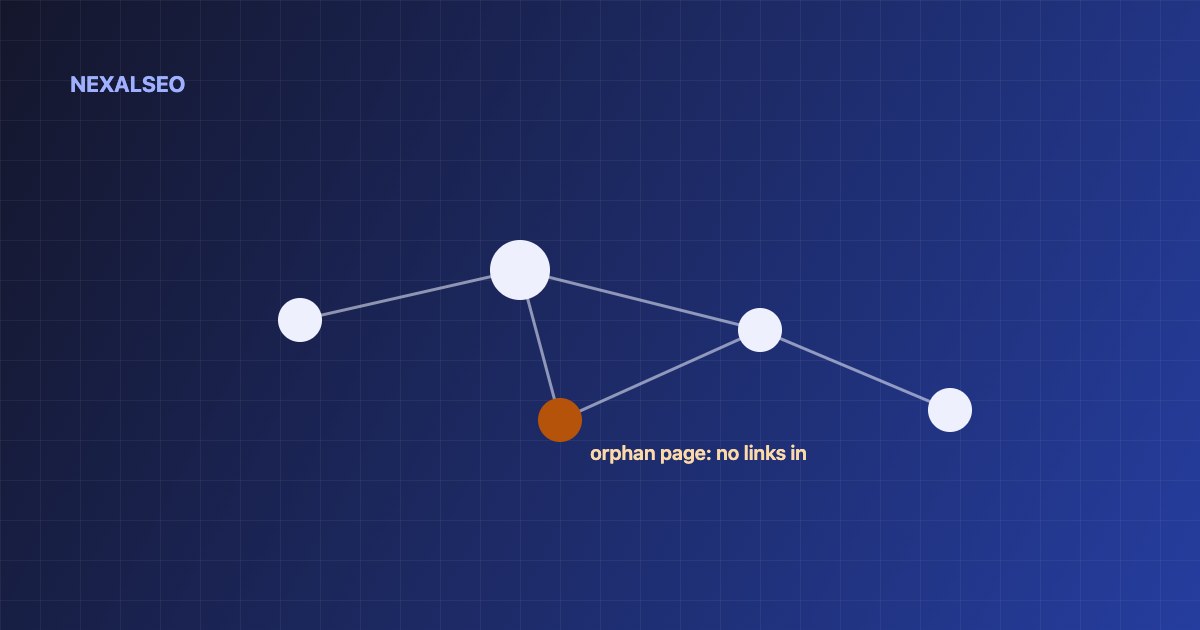
- Suggestions based on shared topical context, not just matching words.
- Orphaned posts are flagged so they do not drift out of your structure.
- Pro adds five internal-linking automation engines.
What it does
| Capability | Plan |
|---|---|
| Contextual link suggestions in the editor | Free |
| Anchor suggestions | Free |
| Orphan page flag | Free |
| Five internal-linking automation engines | Pro |
Why it matters
Internal links are how search engines discover pages, understand how they relate and decide which page answers which query. Pages with no inbound links are found late, if at all, and receive no context. The method behind the feature is explained in our internal linking strategy guide.
How to use it
Enable content analysis
Titles & Meta → Content analysis: show internal-linking opportunities.
Write normally
Suggestions appear for the paragraph you are editing.
Pick descriptive anchors
Use the entity name, not “click here”.
Clear the orphan list monthly
Add two or three links from related pages to each flagged post.
How do internal link suggestions work in WordPress?
Internal links connect one page of your site to another. They help readers move through related topics, and they give search engines a path to every page you want indexed. Google’s documentation says links should be crawlable anchor tags with an href (see Google’s guidance on crawlable links).
NexalSEO’s editor panel lists related pages from your own site, each with a suggested anchor, so you can add links while you write instead of auditing later.
Internal link suggestions WordPress authors get while writing
Suggestions appear next to the post you are editing and point to related pages on your own site. Accept the ones that fit and ignore the rest.
What makes a good internal link suggestion?
A good suggestion connects two pages on related topics and sends the reader somewhere useful next. Relevance matters more than shared words: a guide on redirects should link to a guide on 404 errors, not to a page that happens to repeat a phrase. The target should be indexable, return a 200 status and ideally sit in the same topic cluster as the page you are editing.
How many internal links should a page have?
There is no magic number. Older advice to stay under 100 links per page no longer works as a hard rule. What counts is that each link has a reason. Add one wherever a reader would plausibly want more detail, and stop when links begin to crowd the paragraph. Your most important pages should receive links from several related pages, not from just one.
What should I check before accepting a suggestion?
- The anchor text describes the target page. Vary it, so it is not the same exact phrase on every page.
- The link sits in the body text, not only in a footer or sidebar.
- The target is not noindex, redirected or a 404.
- The two pages are genuinely related, and the link helps the reader rather than the crawler.
Frequently asked questions
Does it add links automatically?
In the free version, no: you choose which suggestions to accept. Pro adds automation engines.
What is an orphaned page?
A published page with no internal links pointing to it from other pages on the site.
What makes a good internal link anchor?
Describe what the reader will find on the other page and vary the wording. Repeating the exact target keyword everywhere looks forced, and NexalSEO flags it.
How many internal links should a page have?
There is no fixed number. Link where it helps the reader, and make sure every page you want indexed has at least one link pointing to it.
Related guides
Plan your internal links
The full method.
Finding orphaned pages
Step-by-step cleanup.
What is semantic SEO?
Why topical links matter.
Pro adds five internal-linking automation engines plus advanced WooCommerce and Local SEO tools.
Compare plans